Export Logs Tab
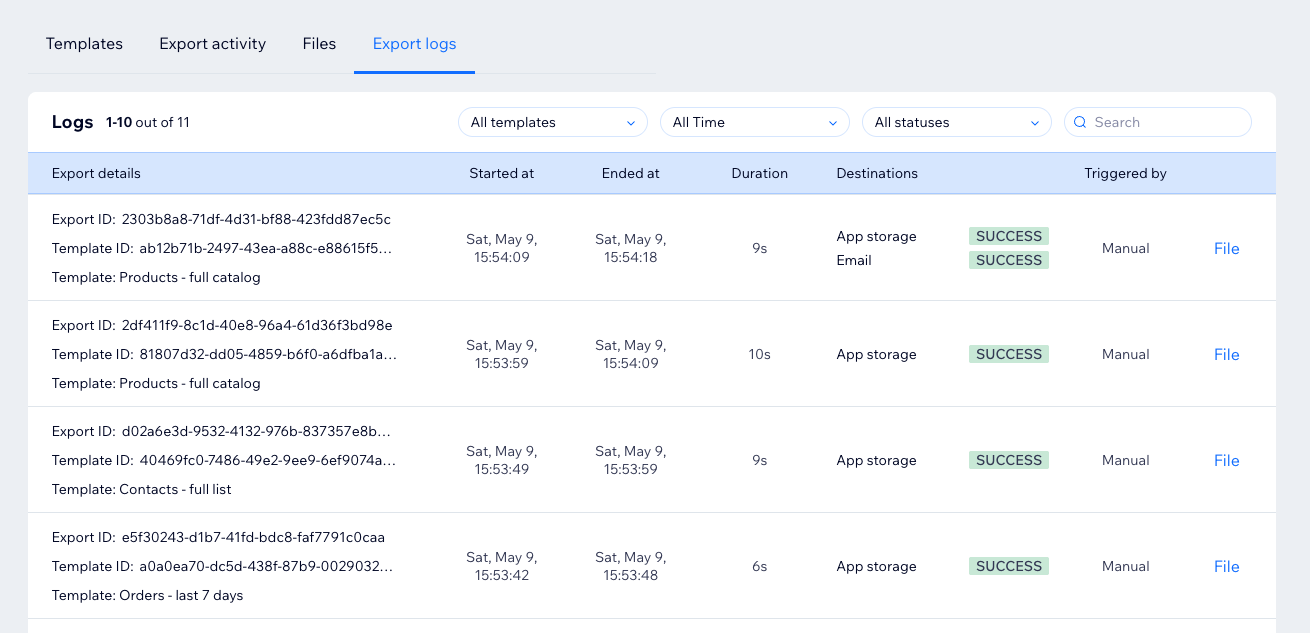
The Export logs tab shows historical export runs and delivery results.
What Logs Show
Export logs can include:
- Run ID.
- Template ID.
- Template name.
- Start time.
- End time.
- Duration.
- Destinations.
- Trigger source.
- Link to the generated file when available.
Use logs to investigate failed exports, storage delivery issues, or previous runs for a specific template.
For troubleshooting, see Export Failed and Storage Upload Failed.