Export Queue
FlexiExport runs one export at a time.
If you start another export while one is already running or pending, the new export is added to the queue.
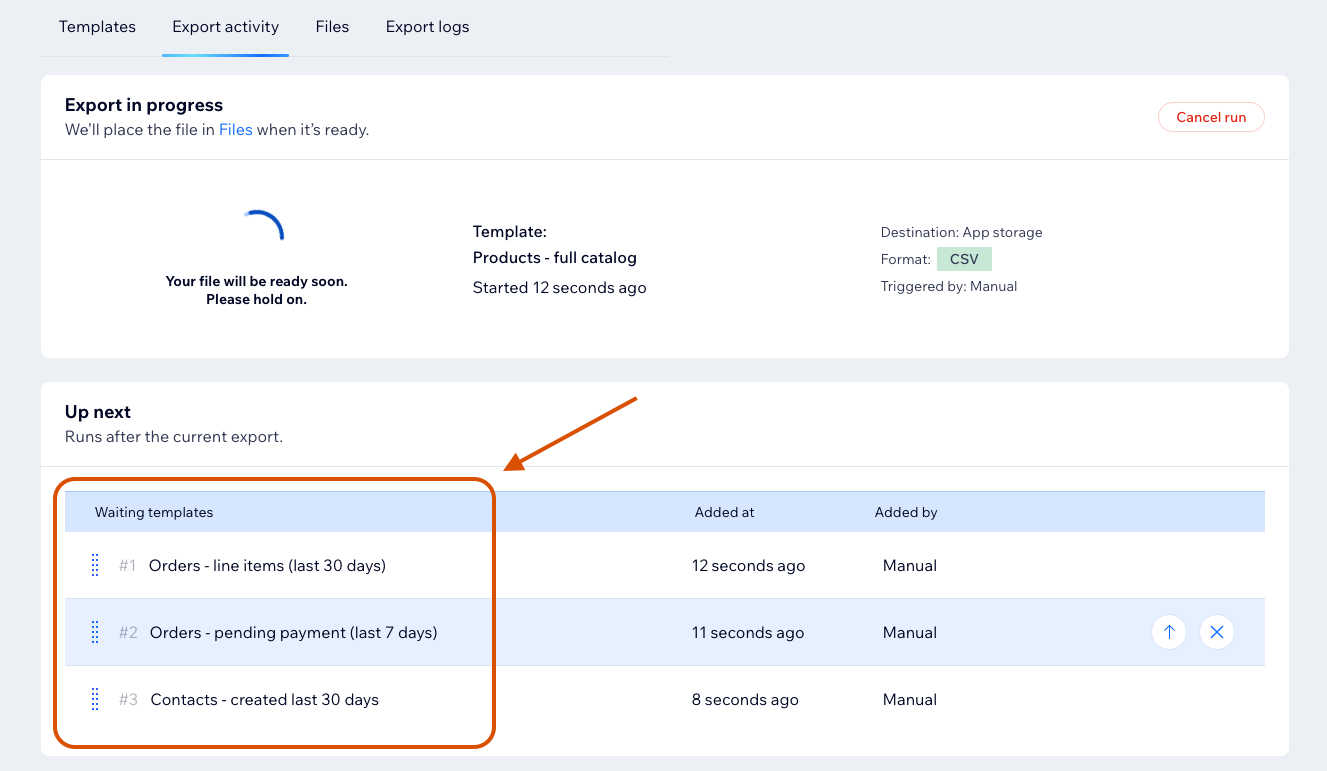
When Templates Are Added to the Queue
A template is added to the queue when:
- Another export is running.
- Another export is already pending.
- A scheduled export starts while the queue is busy.
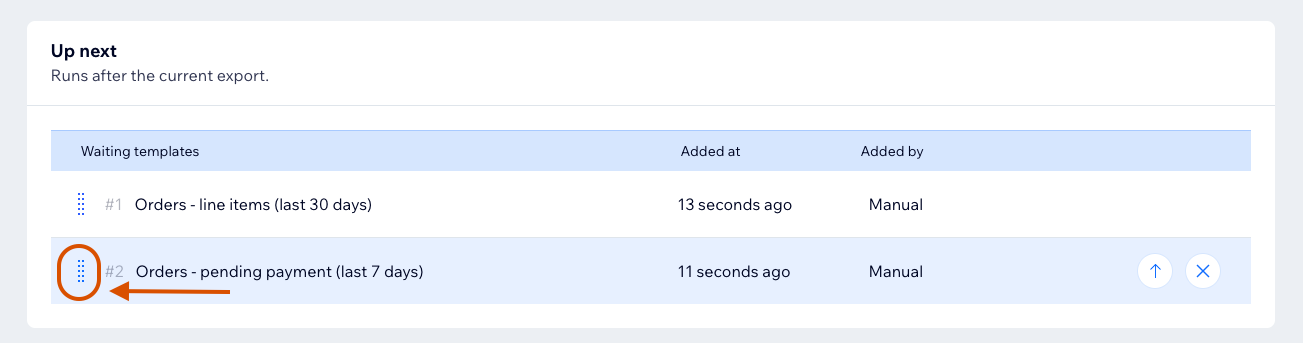
Rearranging the Queue
Queue order is managed by FlexiExport. If queue reordering is available in your UI, use the controls in the Export activity tab.
Removing From the Queue
Use the dedicated remove button in Export activity to remove a pending template from the queue.
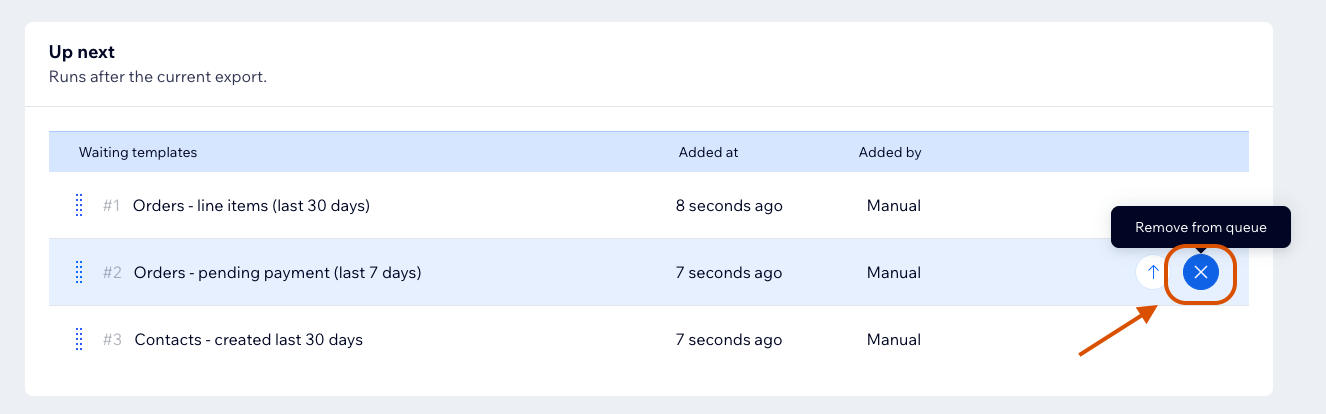
Running exports are not removed from the queue. To stop a running export, see Cancel Export.