Columns
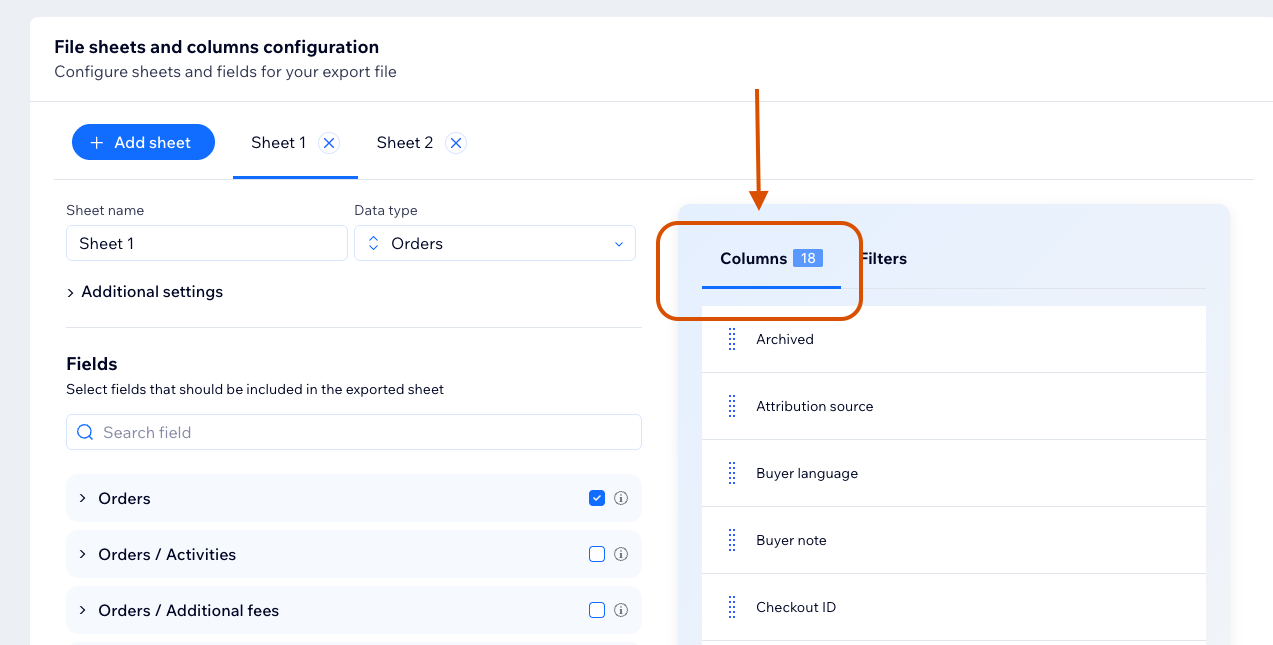
The Columns section shows fields selected for the active sheet.
Rename a Column
Edit the column name in the Columns section.
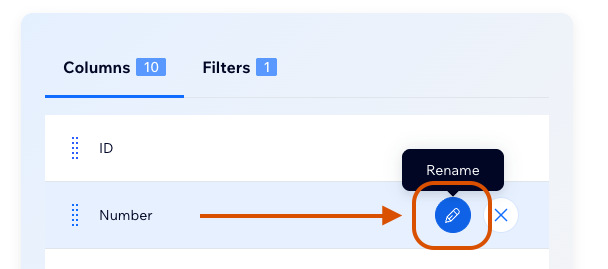
Column names are required and must be unique inside the sheet.
Reorder Columns
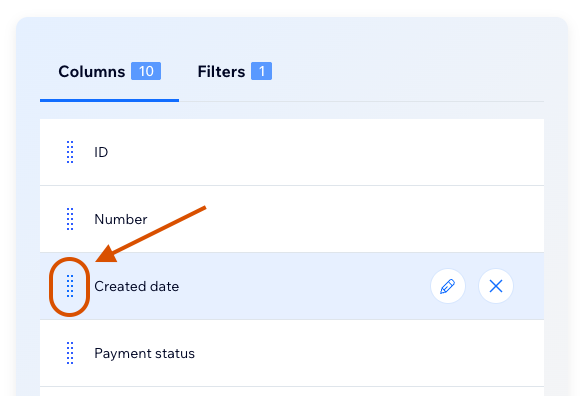
Drag columns in the Columns section to change their order in the generated file.
Remove a Column
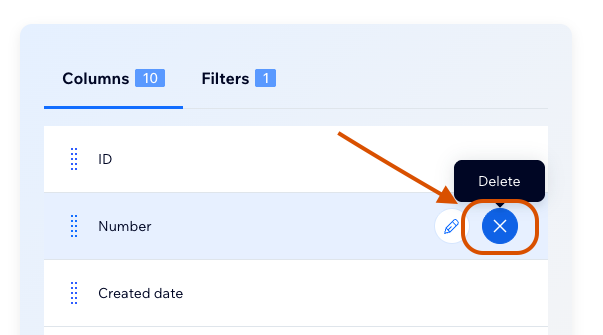
Remove a column from the Columns section to deselect that field from the sheet.
Column Limit
The number of columns per sheet is controlled by the current plan. If you reach the limit, remove a column or upgrade the plan.
info
Removing a column from the Columns section also deselects the corresponding field from the sheet.