Filters
Filters limit which data is included in the generated file.
tip
Use filters to reduce template preparation time by exporting only the rows you need.
Add a Filter
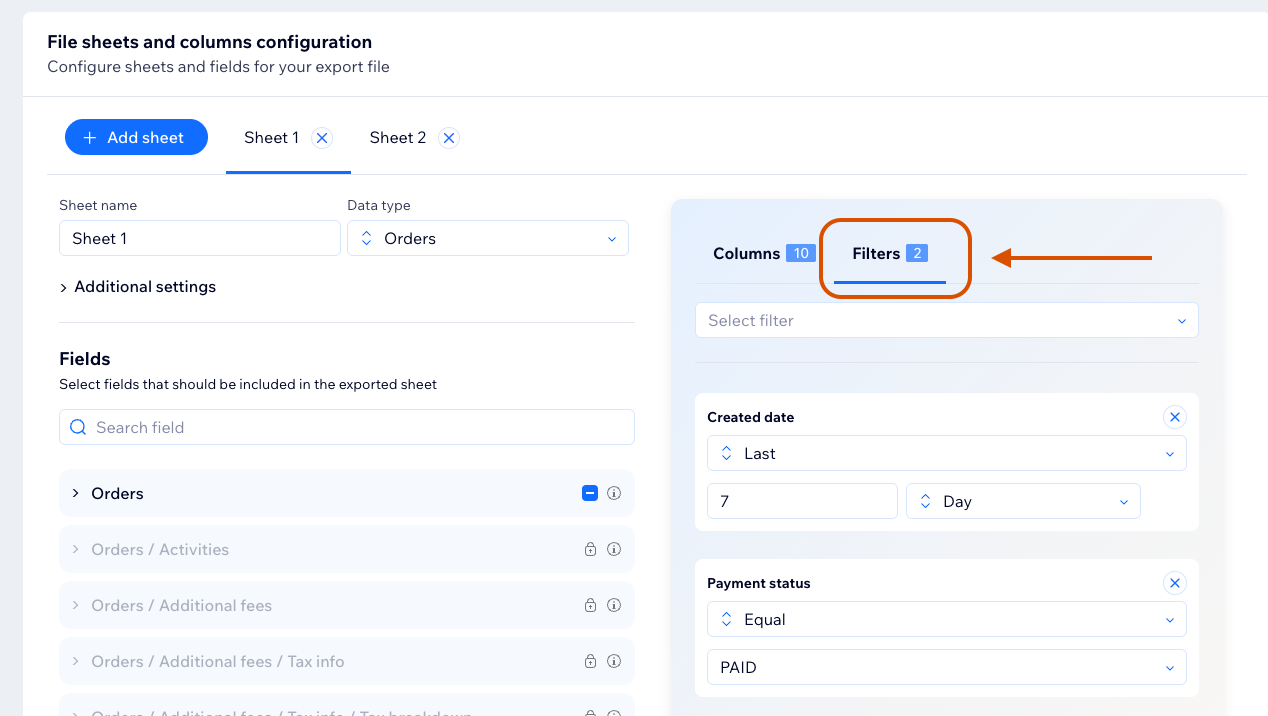
Open the Filters tab in the template editor and add a filter for the active sheet.
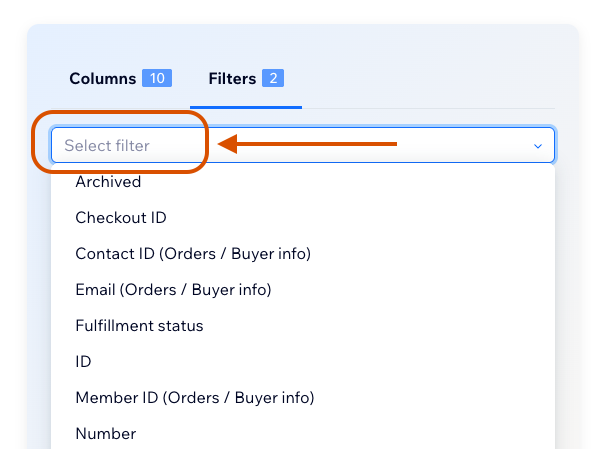
Available filter types depend on the selected field type.
Supported Filter Concepts
FlexiExport supports common filter operations such as:
- Equal or not equal.
- Contains or does not contain.
- Starts with.
- In or not in.
- Less than or greater than.
- Between.
- Date and time ranges.
- Relative date and time ranges.
tip
Use filters to reduce exported rows when your current plan has a row limit.